
Sketchbook
SketchbookArt & Design
4.131.25K Reviews
- Version
- Varies With Device
- Installs
- 100.00M
- Age Rating
- Everyone
Screenshots
Our Review of Sketchbook
 Analysis by Appyee
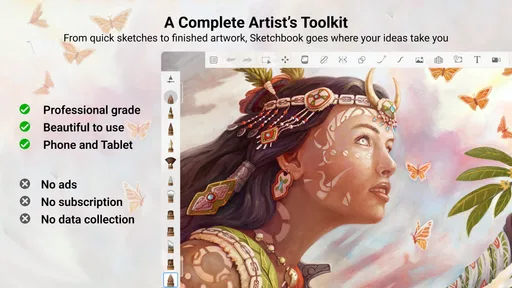
Let's dive into the world of creativity with Sketchbook, an app that's a true playground for artists and doodlers alike. Whether you're sketching on your morning commute or painting a masterpiece on your tablet, this app is designed to make your artistic process as seamless and enjoyable as possible.
Unleashing Your Inner Artist
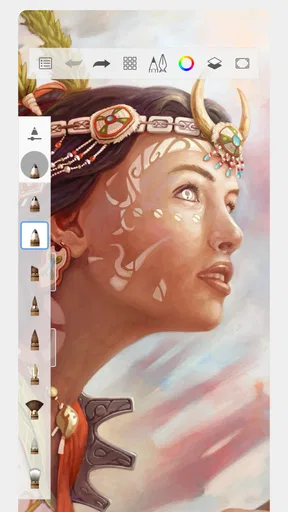
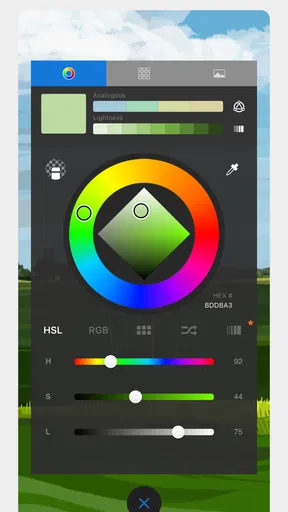
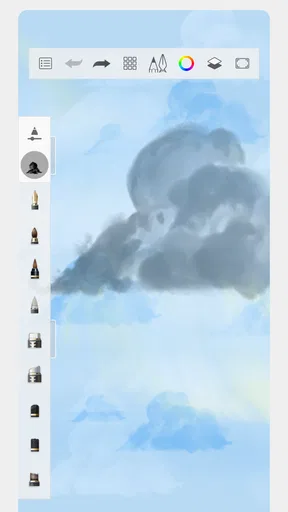
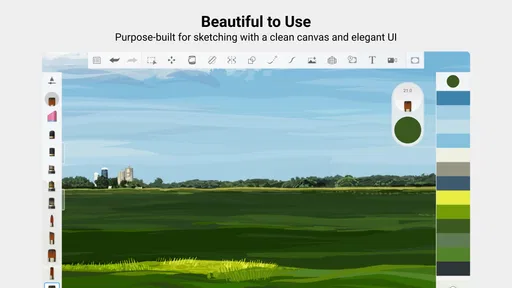
When I first launched Sketchbook, I was greeted with an interface that's as intuitive as it is powerful. It’s like stepping into an artist’s studio, minus the smell of paint and accidental spills. The app offers a clean workspace that lets you focus on what truly matters: your art. The tools are neatly organized, so you won’t find yourself fumbling around looking for that perfect brush.
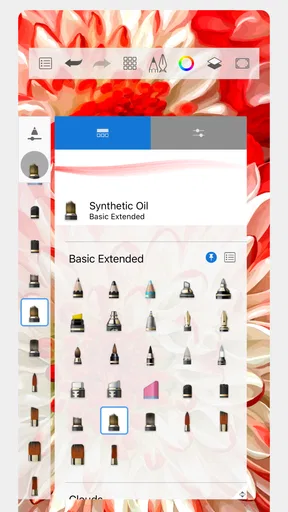
Speaking of brushes, Sketchbook has an impressive selection. From pencils and inks to markers and airbrushes, there’s something for every style and mood. The customization options are a game-changer. You can tweak each brush to your heart’s content, adjusting flow, size, and even texture. It’s like having a digital art store at your fingertips.
Features that Stand Out
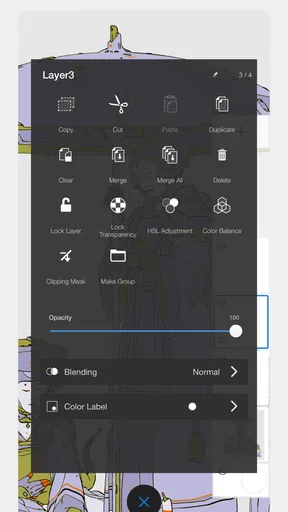
What truly sets Sketchbook apart is its ability to handle layers with ease. For someone who loves to experiment and make mistakes (because who doesn’t?), the layer functionality is a lifesaver. You can add, delete, and merge layers, just like in professional desktop software. Trust me, it’s incredibly satisfying to work in layers without the fear of messing up your entire piece.
The app also supports a wide range of devices, so whether you’re on an Android or an iOS device, you’re covered. I found the performance to be smooth across different platforms, with no noticeable lag, even when working on complex projects. It’s perfect for artists on the go who need reliable software that can keep up with their creativity.
Getting Creative with Extras
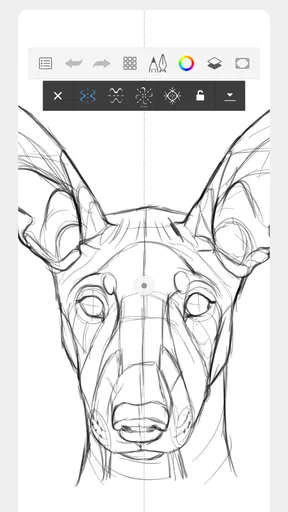
Another feature that caught my eye was the symmetry tool. It’s perfect for creating mandalas or any artwork that requires precision and balance. The predictive stroke feature also deserves a mention. It’s like having a helping hand that smooths out your lines, making everything look just that little bit more professional.
If you’re someone who loves to show off your work, Sketchbook makes it easy to export your creations in various formats. Sharing your masterpieces with friends or on social media is a breeze. Plus, there’s a community of artists out there using the app, so you can connect, share tips, and get inspired.
Final Thoughts
In a nutshell, Sketchbook is a must-have for anyone looking to express themselves through digital art. It manages to strike the perfect balance between user-friendly and feature-rich, making it suitable for both beginners and seasoned artists. So, if you’re ready to take your art to the next level, give Sketchbook a try. It might just become your favorite creative outlet.
Privacy and Permissions
See what permissions an app requests and how it handles your data.
- Photos/Media/Files
- access USB storage filesystem, read the contents of your USB storage, modify or delete the contents of your USB storage
- Storage
- read the contents of your USB storage, modify or delete the contents of your USB storage
- Camera
- take pictures and videos
- Other
- view network connections, full network access, run at startup, prevent device from sleeping, Google Play license check
Verdict
Strengths of Sketchbook
- Intuitive user interface for beginners.
- Wide range of brushes and tools.
- Seamless zooming and panning.
- Customizable canvas sizes.
- Layer support for detailed work.
Limitations of Sketchbook
- Limited text editing options.
- No vector drawing capabilities.
- Occasional lag on older devices.
- Some features require in-app purchases.
- No direct social media sharing.
Similar Picks in This Category
View All
Canva: AI Photo & Video Editor
Canva4.8

PENUP – Drawing-sharing SNS
Samsung Electronics Co., Ltd.4.5

Crafto
Kutumb App4.6

ibis Paint X
ibis inc.4.5

Adobe Express: AI Photo, Video
Adobe4.6

PaperColor
Eyewind4.5
You May Also Like
View All

Frequently Asked Questions
What features does Sketchbook offer for digital artists?
Sketchbook provides a comprehensive set of tools for digital artists, including a variety of brushes, pencils, markers, and customizable tools. It supports layers and blending modes, allowing for complex artwork creation. The app also offers a user-friendly interface that makes it easy to navigate and experiment with different artistic techniques.
Is Sketchbook suitable for beginners, or is it more geared towards professionals?
Sketchbook is designed to cater to both beginners and professionals. Beginners will find the intuitive interface and tutorials helpful for learning basic techniques, while professionals will appreciate the advanced tools and features that allow for detailed and intricate designs. The app’s flexibility makes it a versatile choice for all skill levels.
Can Sketchbook be used offline, or does it require an internet connection?
Sketchbook can be used offline, which is a great advantage for artists who like to work on the go without relying on an internet connection. However, certain features like cloud storage and updates require an internet connection. This offline capability ensures you can continue your creative process uninterrupted.
What platforms is Sketchbook available on, and does it support cross-platform use?
Sketchbook is available on both Android and iOS, and it also supports Windows and macOS. It offers cross-platform compatibility, allowing you to start a project on one device and continue it on another. This feature is particularly useful for artists who work across multiple devices, ensuring seamless transitions and workflow.
Does Sketchbook offer any integration with other apps or tools?
Sketchbook integrates with various other creative tools and applications, such as Adobe Creative Cloud and Dropbox, for easy file sharing and collaboration. This integration enhances workflow efficiency, allowing users to export their creations in multiple formats and work collaboratively with other artists or team members.
